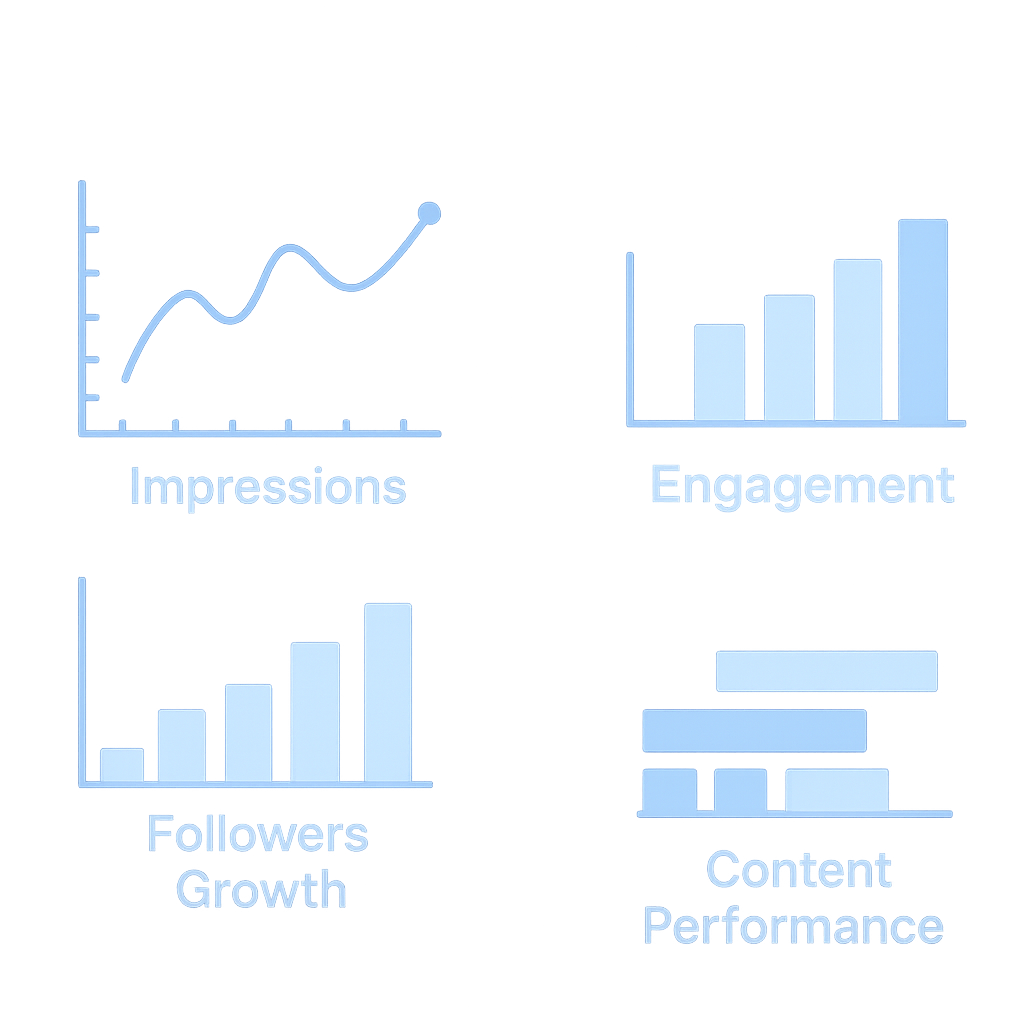
linkedIn Analytics Dashboard

This LinkedIn Analytics Dashboard was built to simplify social media performance tracking and automate the reporting process. Using LinkedIn analytics data, Google Sheets, and Looker Studio, I created an interactive dashboard that delivers actionable insights, reduces manual work, and provides a clear view of content performance. This project demonstrates my abilities in data preparation, visualization, and analytical storytelling

Image Genreteted By Chat GPT

Why This Dashboard Was Needed?

  • LinkedIn provides valuable analytics, but the platform’s native interface has several limitations:
  • Data is scattered across multiple sections and is not easy to compare.
  • No single view to track growth, engagement, audience behavior, and content performance together.
  • Limited flexibility in customizing date ranges and visual formats.
    Manual analysis every time was becoming time-consuming.

To solve these issues, I created a centralized, automated, and visually interactive dashboard using Google Looker Studio.


Why This Dashboard Was Needed?

Objective of the Dashboard

The main purpose of this dashboard was to:

  • Monitor LinkedIn page growth in real-time.

  • Visualize key metrics like impressions, clicks, engagement, followers, and post performance.

  • Identify what type of content generates better engagement.

  • Track daily trends to improve weekly and monthly content strategy.

  • Build a professional data analytics project for my portfolio.


Data Source & Workflow (How I Built It)

Data Collection

Downloaded LinkedIn Page Analytics (Impressions, Clicks, Reactions, Comments, Engagement, Followers, Page Views) And Exported data as CSV/PDF from LinkedIn Analytics.

Data Cleaning & Preparation

Cleaned the data in Google Sheets. and Standardized date formats, removed duplicates, and organized metrics.

Connecting to Looker Studio

Connected Google Sheets to Google Looker Studio using a live data connector. and Enabled auto-refresh to update dashboards whenever new data is added.

Building the Dashboard

Created visuals like: Line charts (Daily Impressions, Clicks, Engagement Trends), Scorecards (Total Followers, New Followers, Page Views), Bar charts (Reactions, Comments, Reposts) and Custom filters (Date Range, Content Category)

Automation

Now, I only add new data to Google Sheet → Looker Studio auto-updates the full dashboard without any manual work.

get in touch

Do not hesitate to reach out. Just fill in the contact form here and we’ll be sure to reply as fast as possible.

Current Location

Ahmedabad, India 


Message us

ankitsen.sen1997@gmail.com
+91 97543 06349


follow us

Contact Form